
A JSON, YAML, CSV and XML viewer for iPhone, iPad and Mac
Change it in the diagram. The file follows.
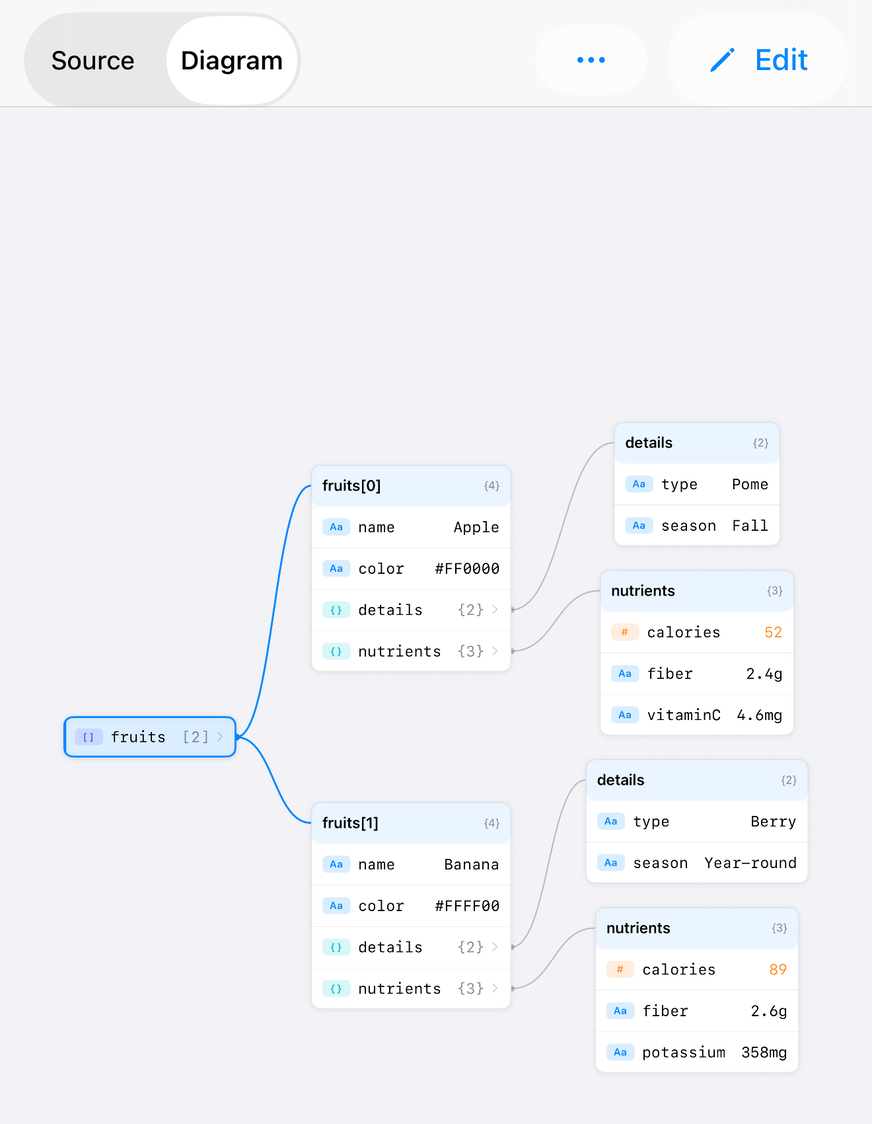
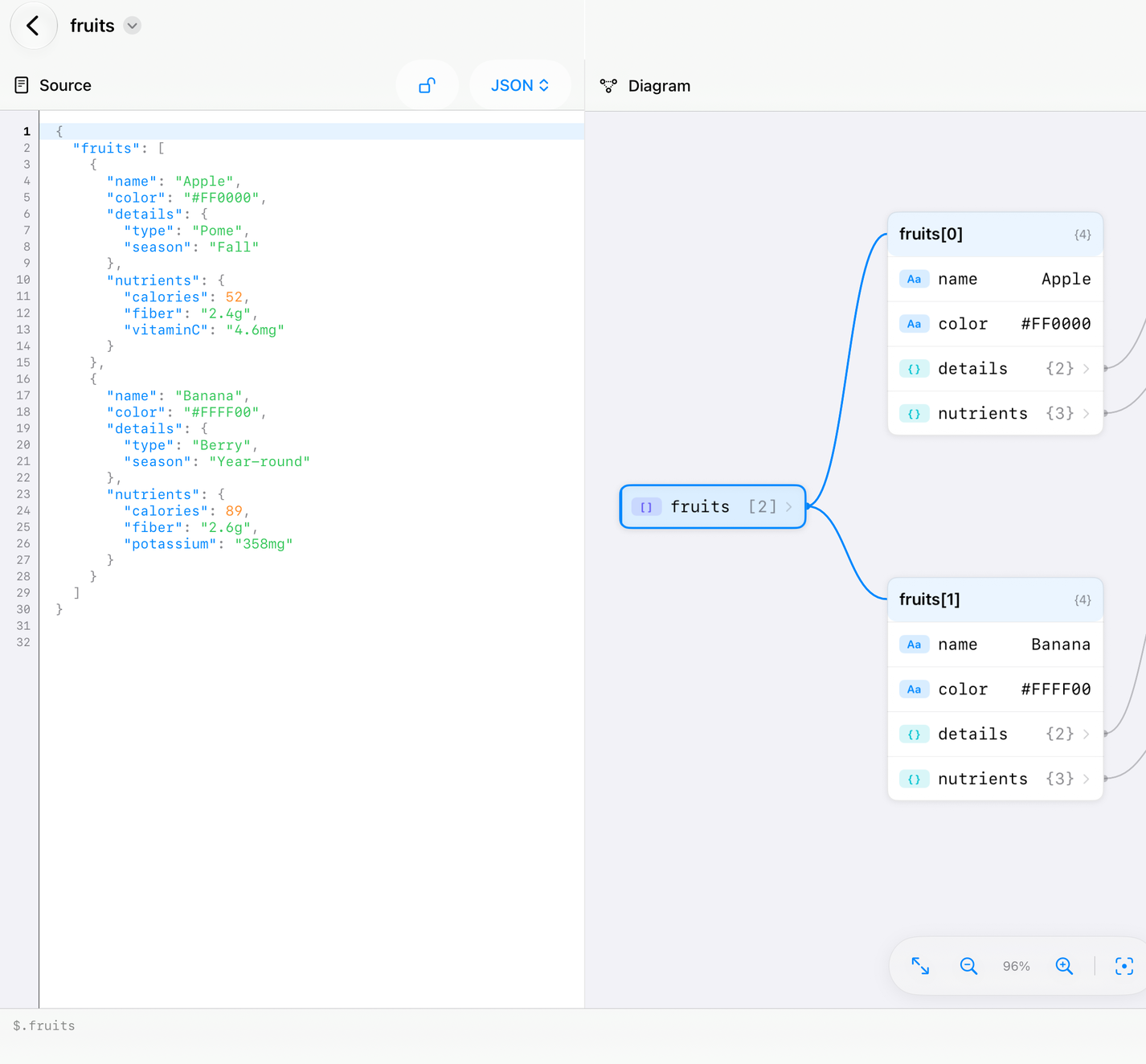
Open JSON, YAML, CSV, XML or a property list. The text sits beside a diagram of linked cards, in sync.
Coming to the App Store
See it workiOS and iPadOS 17 or later. macOS 14 or later.
Version 0.1.0, in development
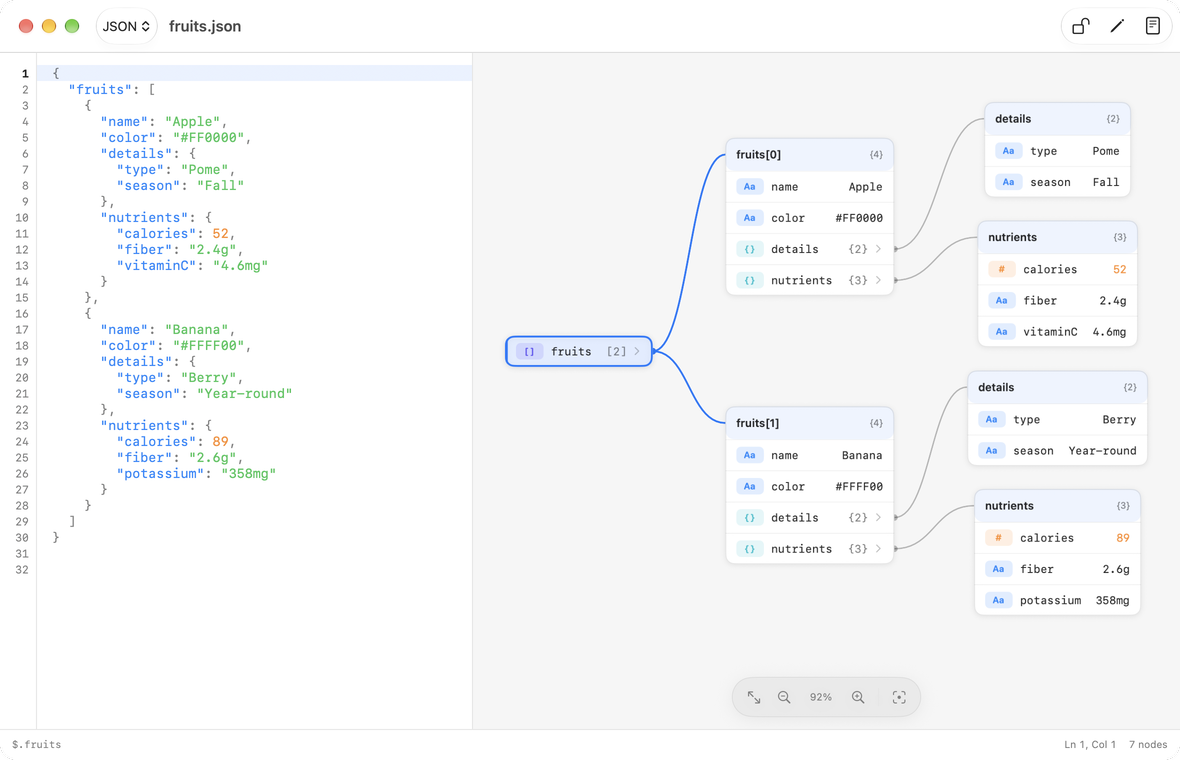
Pick a row, see the line.
Every row in the diagram points at its span of the file. Select a row and the source marks its line. Change the value in the card, and only those characters change in the source.
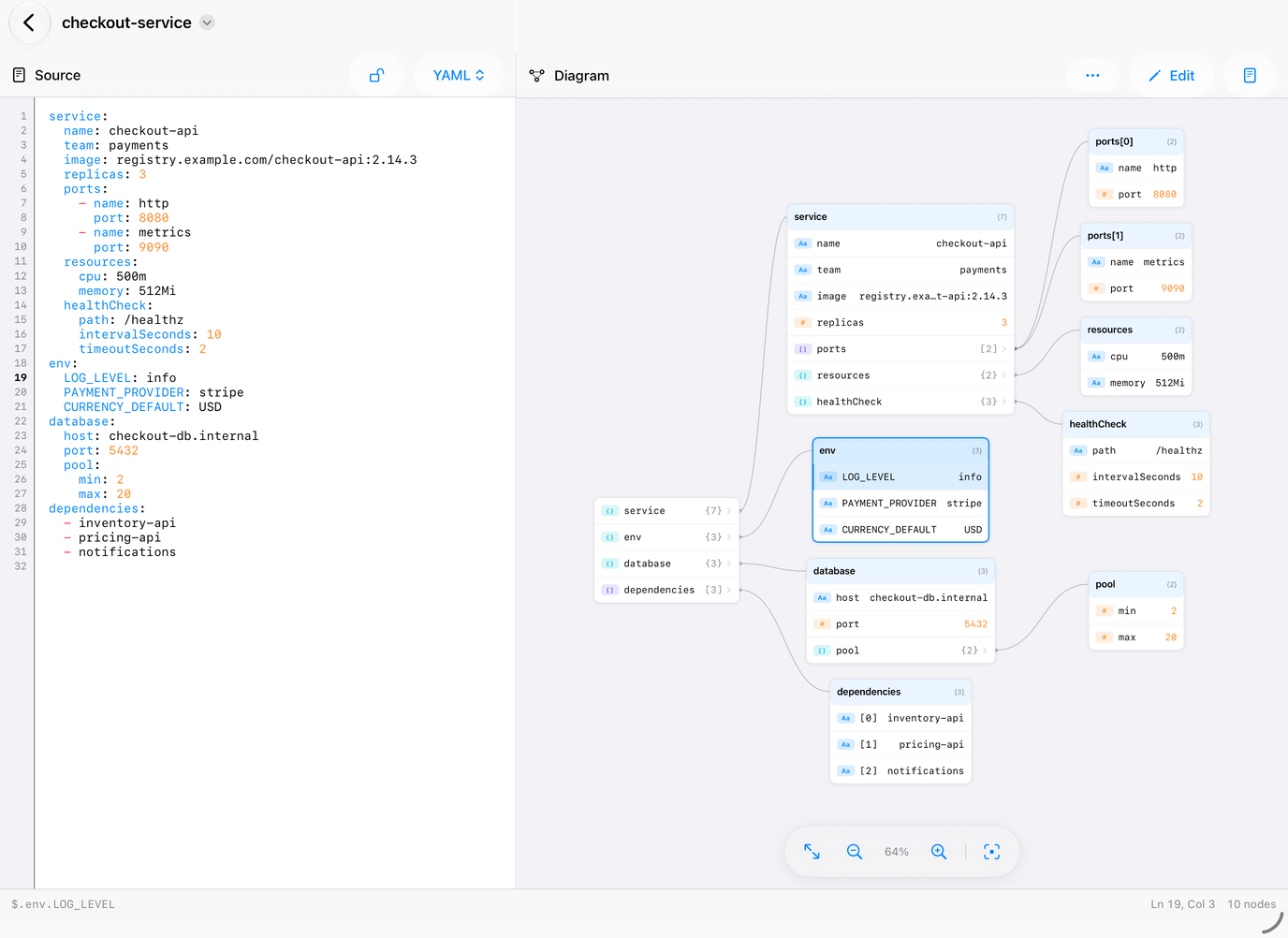
Ln 19, Col 3: the row you tapped.
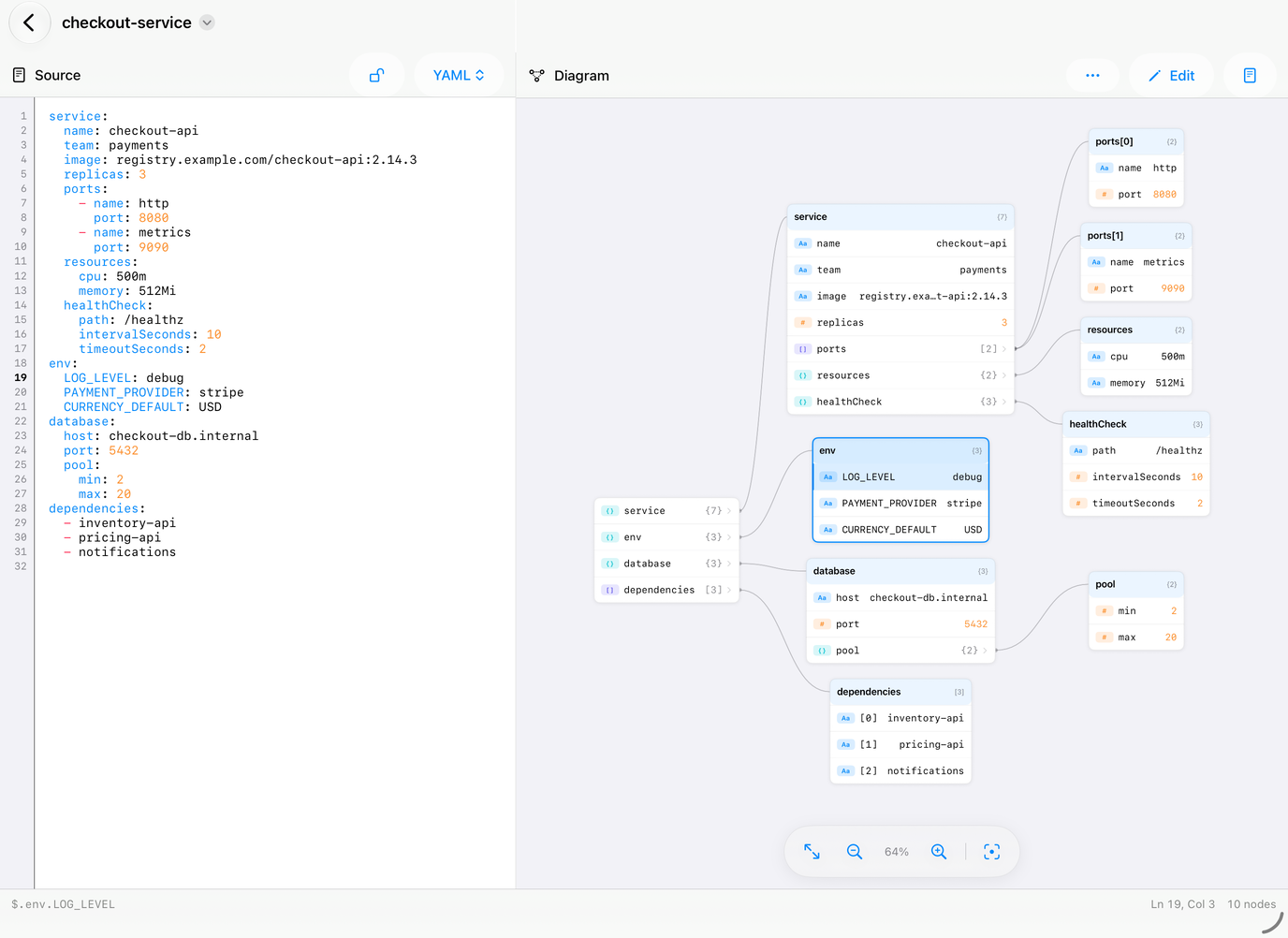
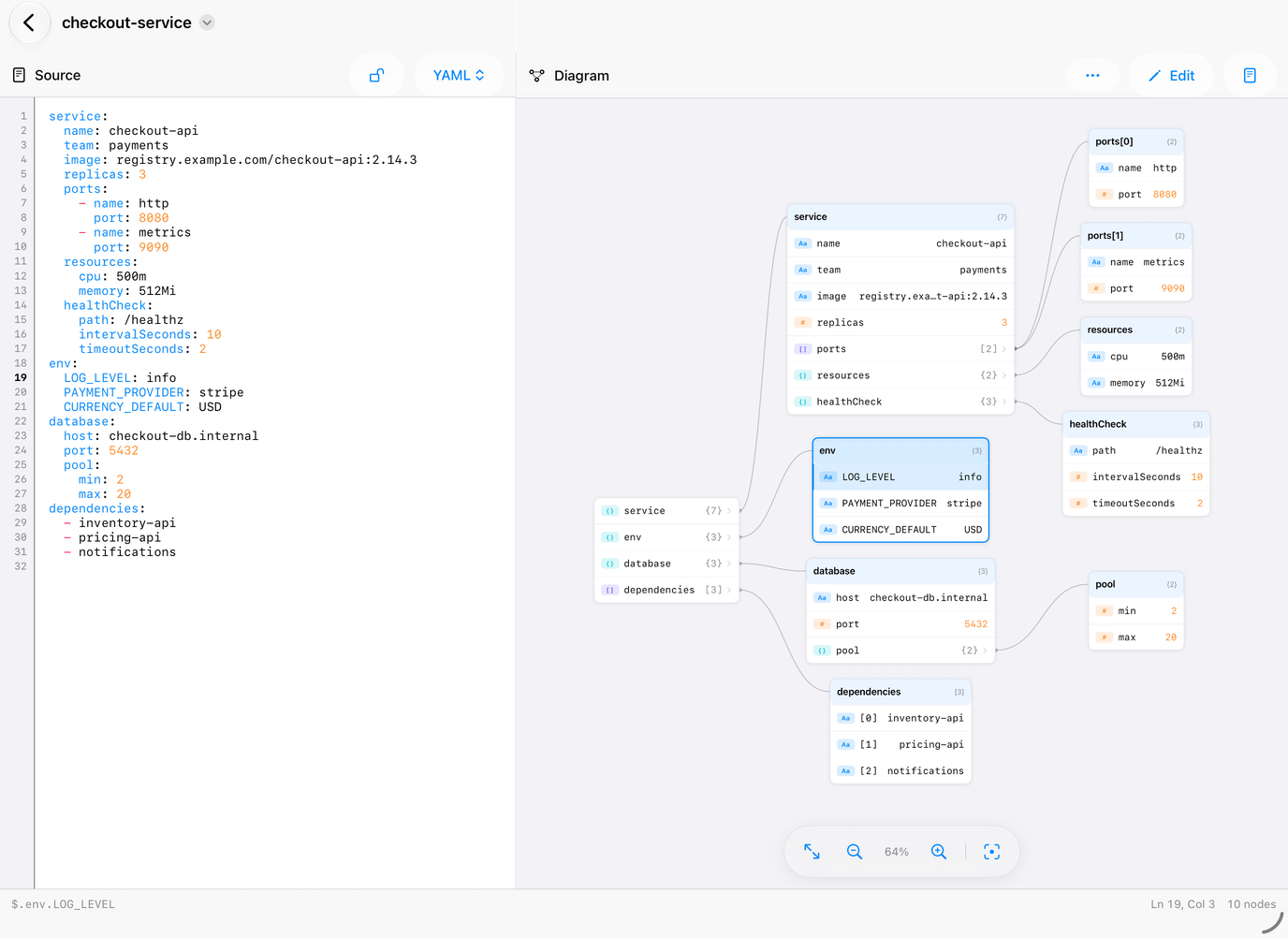
Real captures from Schemagram on iPad, one session, in order.
Five formats, one kind of diagram.
Objects and arrays become cards. Keys and values become rows, and a line runs from each row to the card it opens. Here is the same apple in each format.
JSON
{
  "fruits": [
    {
      "name": "Apple",
      "color": "#FF0000",
      "details": {
YAML
fruits:
  - name: Apple
    color: "#FF0000"
    details:
      type: Pome
CSV
name,color,type,season,calories
Apple,#FF0000,Pome,Fall,52
XML
<catalog updated="2026-10-03">
  <fruit id="apple">
    <name>Apple</name>
    <color>#FF0000</color>
    <details type="Pome" season="Fall"/>
Property list
		<dict>
			<key>name</key>
			<string>Apple</string>
			<key>color</key>
			<string>#FF0000</string>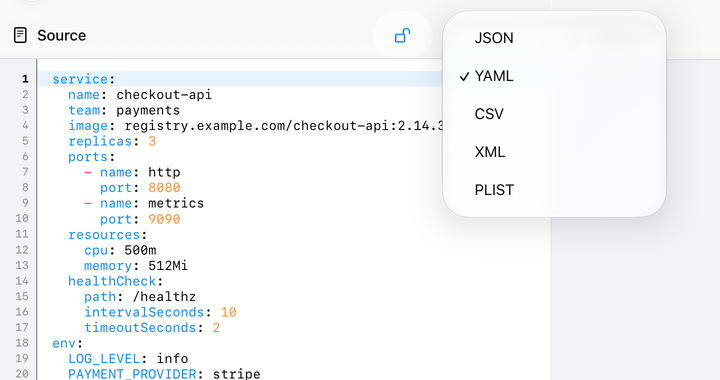
YAML covers one document per file, without anchors, aliases or tags. A binary property list opens as XML and saves back as binary.
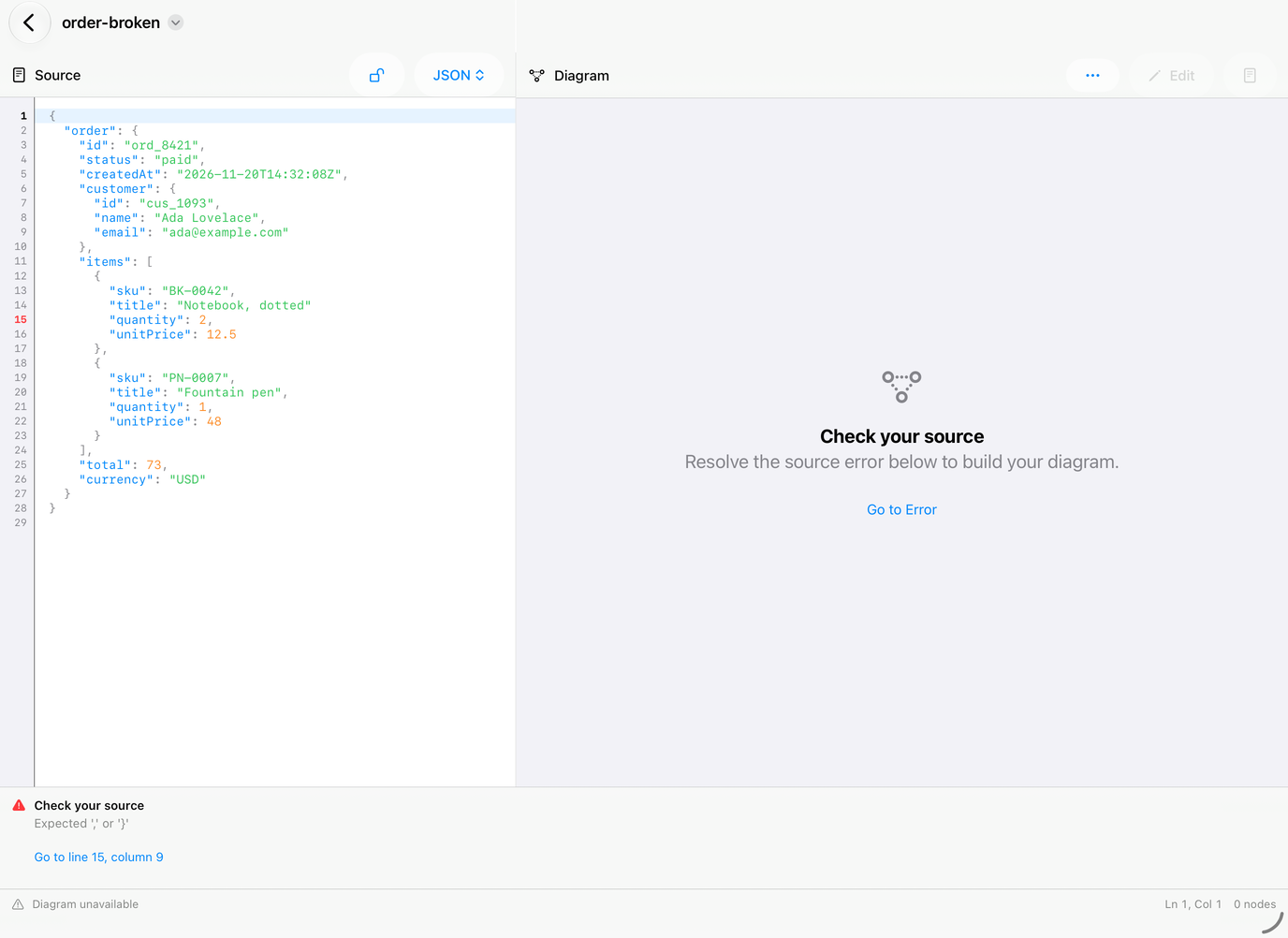
When the file is broken
A syntax error shows its line and column, and one tap takes you to it. If the file parsed before your edit, the diagram keeps that last version until you fix it.
Free, and what Pro adds
Free
- All five formats
- The editor and the diagram, in sync
- Renaming keys and changing values in the diagram
- Fold, unfold and Focus Here
- Files up to 1 MB
Schemagram Pro
- Diagrams for files over 1 MB
- Export the diagram as PNG or PDF, the cards on screen or the whole document
- One purchase for iPhone, iPad and Mac
- Family Sharing
- Everything added to Pro later
Without Pro, a file over 1 MB still opens in the editor with every editing feature. The diagram pane says the file is large.
On the screens you have
Schemagram runs on iOS and iPadOS 17 or later and macOS 14 or later. It is in English, German, French, Spanish, Italian, Japanese, Simplified Chinese, Korean and Russian.
Schemagram collects nothing
It opens your files where they are, in Files or Finder, and saves them back in place in their original encoding.
There is no account and no tracking. The app goes online only to buy or restore Pro through the App Store.